Laptop Repair vs Upgrade in Ahmedabad: What
October 22, 2026

Location:
06 Shajanad Complex, DMart Road, Jivraj Park Vejalpur Rd, AhmedabadUrgent Need Support?


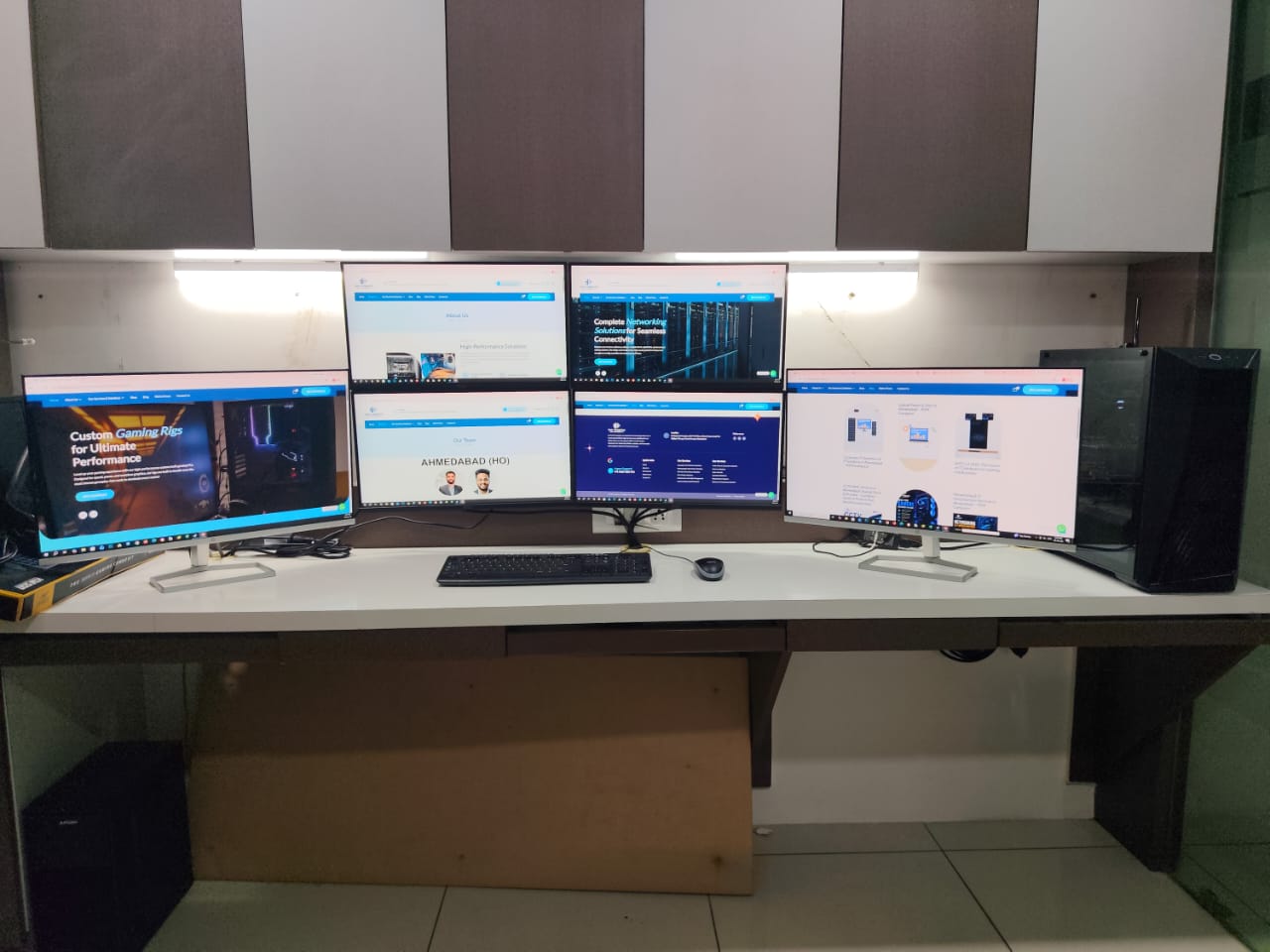
Planning a rendering PC in Ahmedabad? Rendering turns your 3D scenes, animations and video projects into final images and clips, and it can keep a computer busy for hours. The right system depends on how your software renders – on the CPU, on the GPU, or both. This guide explains the difference and what to decide before building.
A rendering PC is built to handle long, demanding workloads such as 3D rendering, animation, architectural visualisation and video exports. It focuses on processing power, memory, fast storage and cooling that stays stable under sustained load.
Some render engines run on the processor. These usually benefit from many CPU cores and plenty of RAM, and they handle very large scenes well.
Other render engines use the graphics card. These can be very fast on a strong GPU, but the scene must fit into the graphics card’s video memory (VRAM), so VRAM size matters.
Many professionals use both approaches depending on the project. Tell us which render engine and software you use, and we will build around it.
A custom build lets you invest in the parts your render engine actually uses. At YOM Computer there are no fixed packages: every system is built according to your requirement. Read how a PC build in Ahmedabad works with us.
It depends on your render engine. Share your software and we will advise the right balance.
Yes. See our video editing PCs and workstation PCs.
Yes. Explore our high-end PCs and graphic design PCs.
Yes, we can plan the build so memory, storage or the graphics card can be upgraded.
See our rendering PCs in Ahmedabad, our custom PC builds, or contact us. Call or WhatsApp +91 9067 880 976 or email info@yomcomputer.com. Visit: 06 Shajanad Complex, Opp. Maruti Arcade, DMart Road, Jivraj Park, Vejalpur, Ahmedabad 380051.

At YOM Computer, our passion for technology drives us to create personalized, high-performance solutions for our clients. Since our founding in 2017, we have built a reputation for delivering reliable, scalable, and innovative tech solutions tailored to individual needs.


Urgent Support?

© YOM Computer. All Rights Reserved.