Laptop Repair vs Upgrade in Ahmedabad: What
October 22, 2026

Location:
06 Shajanad Complex, DMart Road, Jivraj Park Vejalpur Rd, AhmedabadUrgent Need Support?


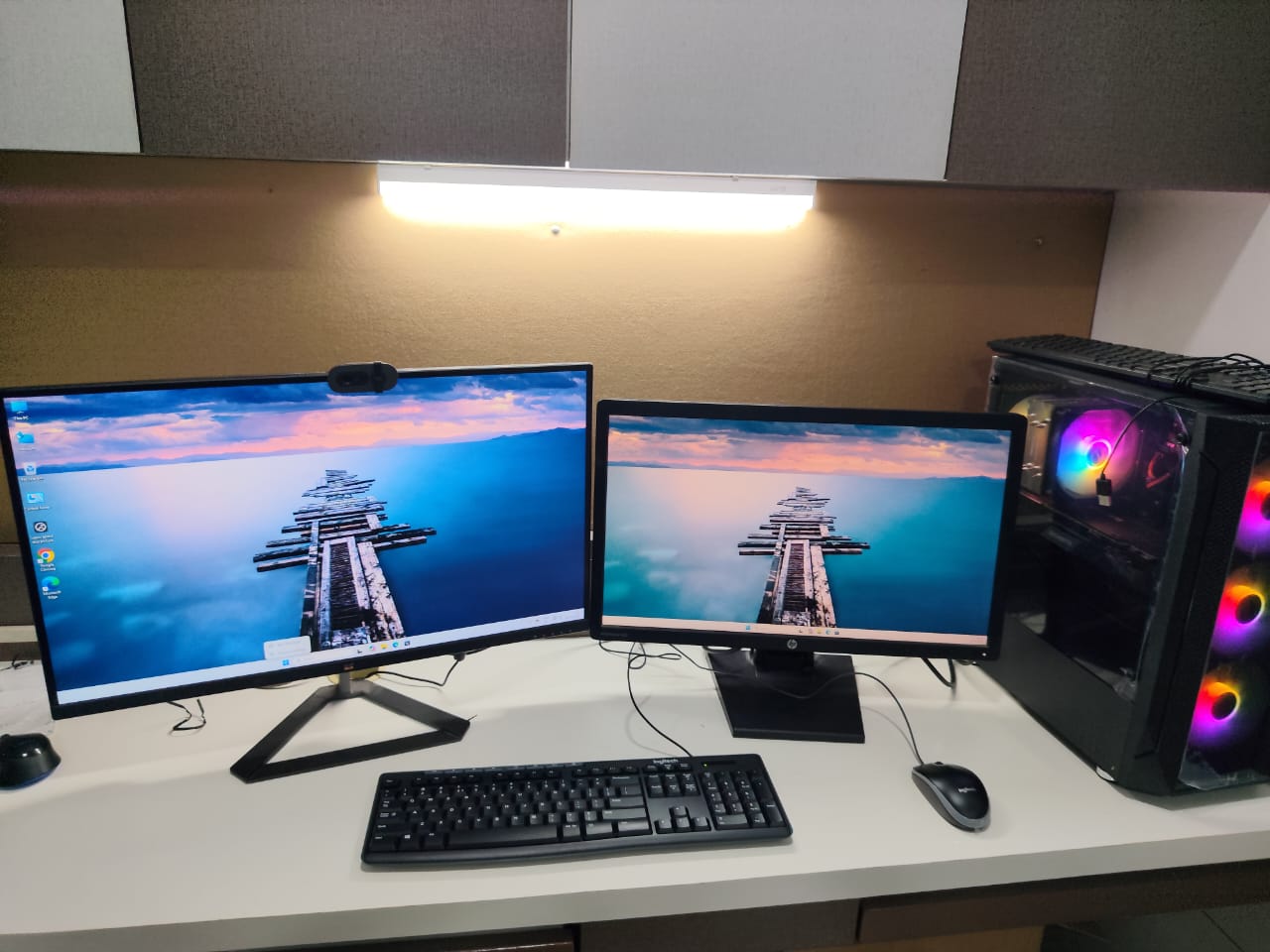
Choosing a video editing PC in Ahmedabad is easier when you start from your workflow, not from a parts list. A wedding editor working in 4K, a YouTuber cutting 1080p videos and a motion designer using After Effects all need different systems. This guide explains what really affects editing speed, so you can describe your requirement clearly.
Note down the software you use (Premiere Pro, DaVinci Resolve, After Effects, Final Cut alternatives), the resolution and format of your footage (1080p, 4K, RAW), the length of your projects and whether you also do colour grading, effects or 3D work. These answers decide every part of the build.
The CPU handles timeline playback, decoding of many camera formats and exports in many applications. More cores usually help with heavy exports and multitasking, while strong per-core speed keeps the timeline responsive.
Many editing tools use the GPU for effects, colour grading and hardware-accelerated exports. DaVinci Resolve in particular leans heavily on the graphics card. Enough VRAM matters for 4K and effect-heavy timelines.
RAM keeps your timeline, effects and other open applications smooth. Editors working on larger projects or After Effects often need more RAM than a casual editor. Tell us your project size and we will suggest the right amount.
Video files are large. A fast NVMe SSD for the system, software and active projects keeps everything responsive, and a separate larger drive is useful for footage archives and backups. Always keep a backup of finished work.
If colour accuracy matters to your clients, pick a monitor suited for colour-critical work. For a larger timeline workspace, a multi-screen PC setup can help.
Exports and renders can run for a long time. Good cooling and a reliable power supply keep the system stable and quiet during those sessions.
A custom PC lets you spend on what your software actually uses, instead of paying for parts you do not need. At YOM Computer there are no fixed packages: every build is made according to your requirement. Read how a PC build in Ahmedabad works with us.
It depends on your software and footage. Some tools lean on the CPU, others on the GPU. Tell us what you use and we will balance the build.
Yes. See our rendering PCs and graphic design PCs for similar workloads.
Yes. We can plan the build so RAM, storage or the graphics card can be upgraded as your projects grow.
Explore our video editing PCs in Ahmedabad, or contact us. Call or WhatsApp +91 9067 880 976. Visit: 06 Shajanad Complex, Opp. Maruti Arcade, DMart Road, Jivraj Park, Vejalpur, Ahmedabad 380051.

At YOM Computer, our passion for technology drives us to create personalized, high-performance solutions for our clients. Since our founding in 2017, we have built a reputation for delivering reliable, scalable, and innovative tech solutions tailored to individual needs.


Urgent Support?

© YOM Computer. All Rights Reserved.