Laptop Repair vs Upgrade in Ahmedabad: What
October 22, 2026

Location:
06 Shajanad Complex, DMart Road, Jivraj Park Vejalpur Rd, AhmedabadUrgent Need Support?


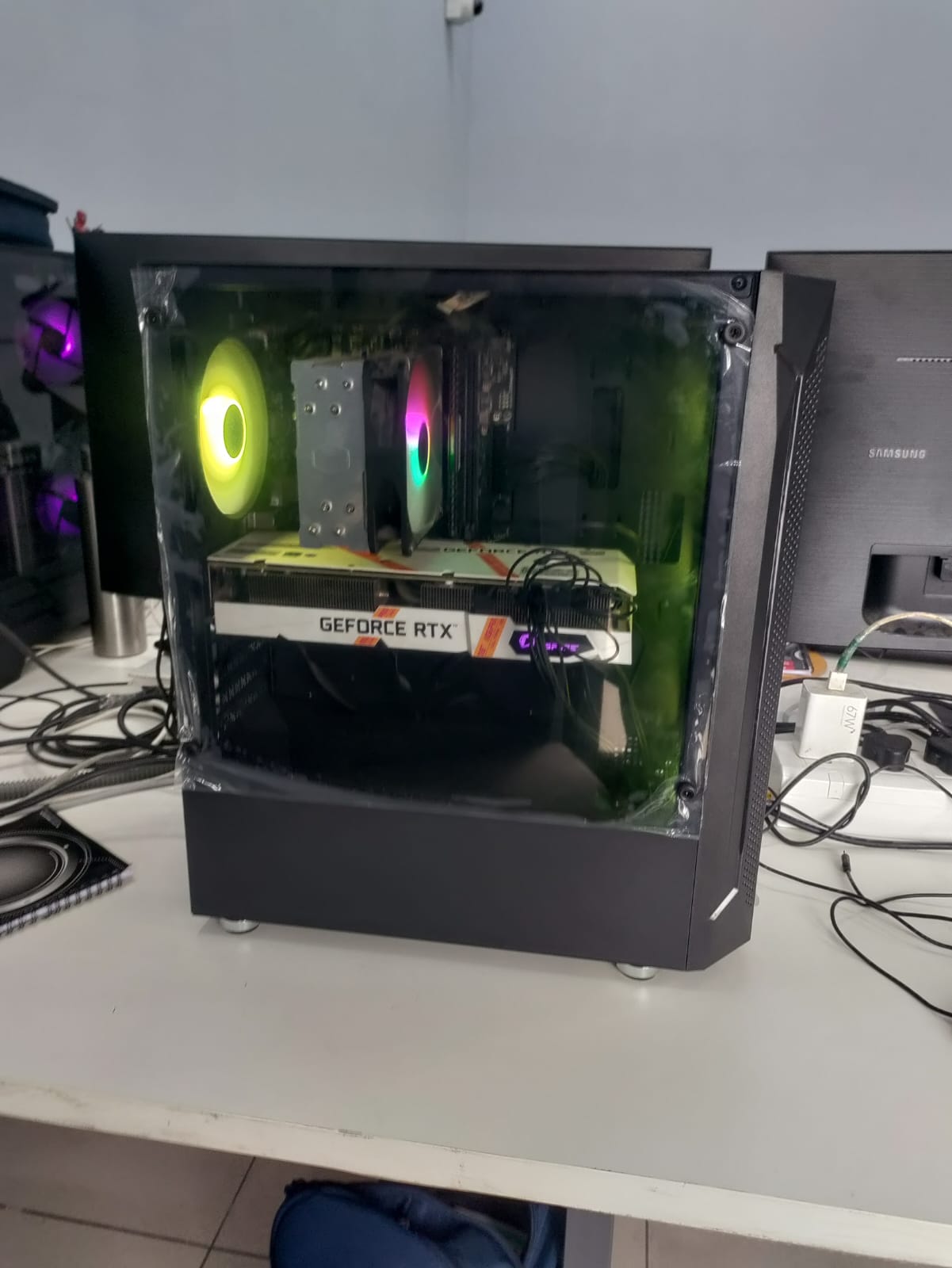
Planning a gaming PC in Ahmedabad? The best gaming PC is not the one with the biggest numbers – it is the one built around the games you play, the screen you play on and how long you want the system to last. This guide explains what actually matters, so you can describe your requirement clearly before you build.
Esports titles like Valorant or CS2 need very different hardware than a heavy open-world game at high settings. Before choosing parts, note down: the games you play, your monitor resolution (1080p, 1440p or 4K), the refresh rate you want (60, 144, 240 Hz) and whether you also stream or record.
The GPU does most of the work in games. Resolution and refresh rate decide how strong it needs to be. Higher resolution and higher settings need a stronger card, with enough video memory (VRAM) for modern textures.
A balanced CPU keeps the GPU fed. For competitive games at high refresh rates the CPU matters more; for 4K gaming the GPU matters more. Avoid pairing a very strong GPU with a weak CPU, and the other way round.
16 GB RAM is a common starting point for gaming today, and 32 GB helps if you also stream, edit or multitask. An NVMe SSD gives quick boot and game loading times; add a second drive if you keep a large game library.
A reliable power supply protects every other part. Good airflow and cooling keep temperatures and noise under control, and keep performance steady during long sessions. Choose the cabinet for airflow first and looks second.
A custom build lets you pick each part for your use instead of accepting a fixed package. At YOM Computer there are no fixed packages – every PC is built according to the customer’s requirement. Read more about how a PC build in Ahmedabad works with us.
Choose a motherboard and power supply with some headroom, so you can add RAM, storage or a better graphics card later without changing the whole system.
Start from your games, screen resolution and refresh rate. Share these with us and we will suggest parts that suit your requirement.
Yes. We can build the PC around peripherals you already own.
Yes, if you tell us up front. See our video editing PCs and workstation PCs for heavier work.
Explore our gaming PCs in Ahmedabad and custom PC builds, or contact us. Call or WhatsApp +91 9067 880 976. Visit: 06 Shajanad Complex, Opp. Maruti Arcade, DMart Road, Jivraj Park, Vejalpur, Ahmedabad 380051.

At YOM Computer, our passion for technology drives us to create personalized, high-performance solutions for our clients. Since our founding in 2017, we have built a reputation for delivering reliable, scalable, and innovative tech solutions tailored to individual needs.


Urgent Support?

© YOM Computer. All Rights Reserved.